

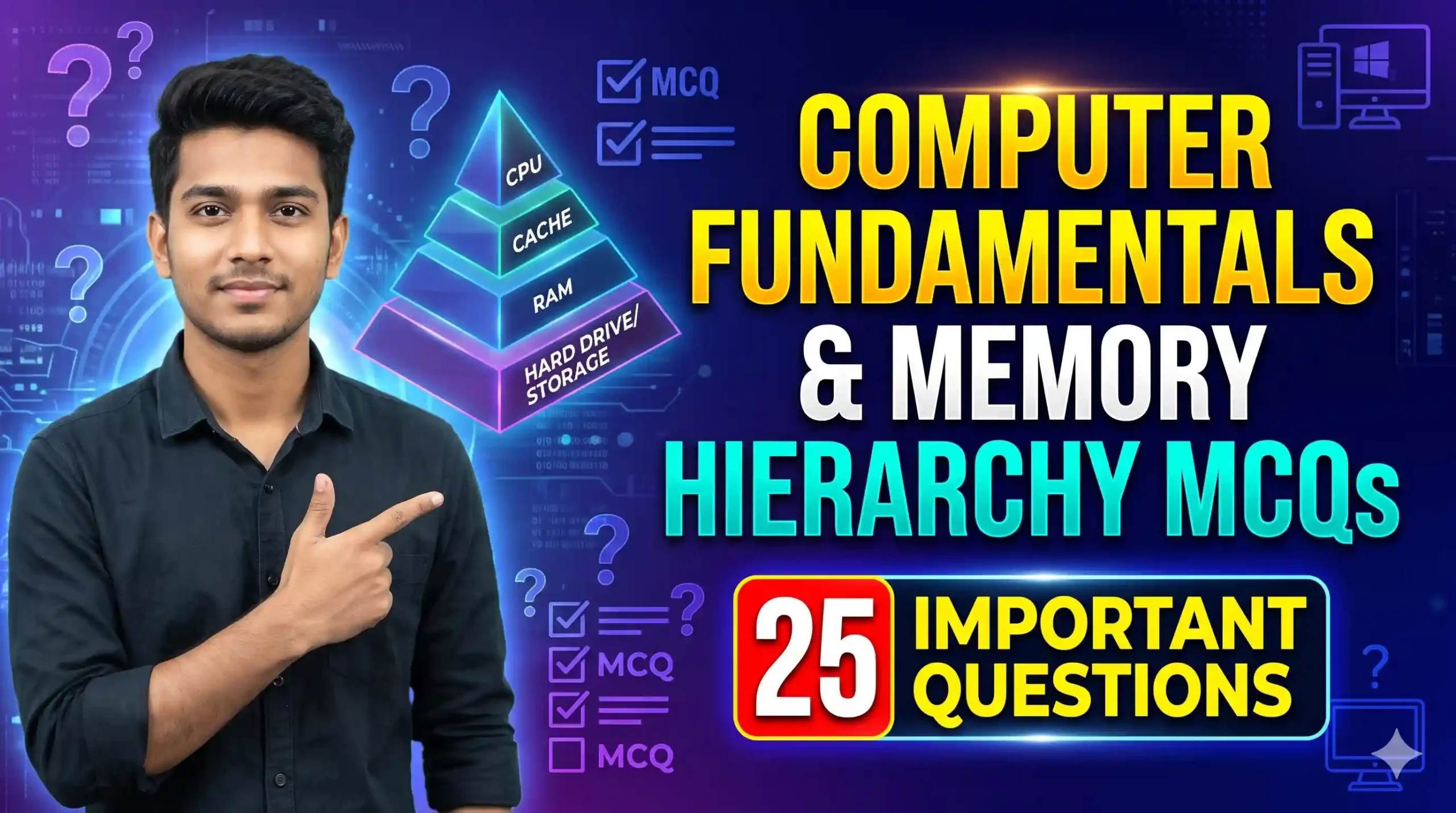
Complete Study Notes for Computer Fundamentals & Memory Hierarchy MCQs
Agar aap NIELIT CCC, SSC, Bank PO/Clerk, Railway, ya kisi bhi state-level government exam ki tayyari kar rahe hain, ya DCA/ADCA diploma student hain, toh Computer Fundamentals & Memory Hierarchy MCQs par acchi pakad hona behad zaroori hai. Kisi bhi computer system ke basic operations ko samajhne aur hardware hierarchy ko jaanane ke liye Computer Hardware & Architecture ke in fundamental concepts ko dhyan se padhna chahiye.
Exams aur technical interviews mein CPU architecture, speed-cost tradeoffs, volatile vs non-volatile memory, aur hierarchical storage (registers se lekar cloud storage tak) par bahut se sawal pooche jaate hain. In topics mein full marks score karne ke liye chaliye in basics ko quick revise karte hain:
1. Computer Memory Hierarchy Table (Speed vs. Capacity & Cost)
| Memory Layer / Level | Type | Speed (Access Time) | Storage Capacity | Cost per Bit |
|---|---|---|---|---|
| CPU Registers | Internal CPU Memory | Fastest (Sub-nanosecond) | Very Small (Bytes) | Highest |
| Cache Memory (L1, L2, L3) | High-speed SRAM | Very Fast (Nanoseconds) | Small (Megabytes) | Very High |
| Primary Memory (RAM) | Volatile Semiconductor (DRAM) | Fast (Tens of Nanoseconds) | Moderate (Gigabytes) | High |
| Secondary Storage (SSD/HDD) | Non-Volatile Magnet/Optical/Flash | Slow (Micro to Milliseconds) | Large (Gigabytes/Terabytes) | Low |
| Tertiary Storage (Backup) | Optical Disc, Magnetic Tape, Cloud | Slowest (Seconds to Minutes) | Very Large (Exabytes) | Lowest |
2. Important Revision Points: Memory & Processor Core Facts
- Hierarchy Principle: Storage pyramid mein jaise-jaise hum upar (CPU ki taraf) jaate hain, access time (speed) kam hota hai, per-bit cost badhta hai, aur capacity kam hoti hai. Jaise-jaise neeche jaate hain, capacity badhti hai, cost ghatata hai, par speed slow ho jaati hai.
- Volatile vs Non-Volatile Memory: Volatile memory (jaise RAM, Cache) power loss hone par data khodeti hai. Non-Volatile memory (jaise ROM, Hard Disk, SSD) permanently data save rakhti hai chahe power chali jaye.
- Memory Units Relationship: Storage data units 1 Bit (0 ya 1), 4 Bits = 1 Nibble, 8 Bits = 1 Byte, 1024 Bytes = 1 Kilobyte (KB), 1024 KB = 1 Megabyte (MB), 1024 MB = 1 Gigabyte (GB), 1024 GB = 1 Terabyte (TB) aur 1024 TB = 1 Petabyte (PB) hoti hain.
- CPU and Cache Interfacing: CPU directly hard disk ya SSD se data load nahi karta. Sub-systems RAM se, RAM Cache se, aur Cache registers ke through data swap karte hain, jisse CPU utilization maximum bani rahe.
Quiz Completed!
Frequently Asked Questions (FAQs) on Memory Hierarchy
Cache Memory ek atyadhik tezi se kaam karne wali temporary memory hoti hai jo CPU aur RAM ke beech buffer banti hai, taaki CPU ko baar-baar RAM ke slow performance par dependent na hona pade aur access time bache.
Volatile Memory (jaise RAM) ko data hold karne ke liye lagatar vidyut (power) ki aavashyakta hoti hai. Power off hote hi iska data mita jata hai, jabki Non-Volatile Memory (jaise ROM, SSD) ka data hamesha surakshit rehta hai.
L1 cache processor core ke sabse kareeb (aur processor ke andar) hoti hai isliye sabse choti aur sabse fast hoti hai. L2 thodi badi par L1 se dheemi hoti hai. L3 cache sabse badi hoti hai par L1 aur L2 se access time thoda zyada leti hai.
